STC Language Change Code KSA: Switch Your SIM to English
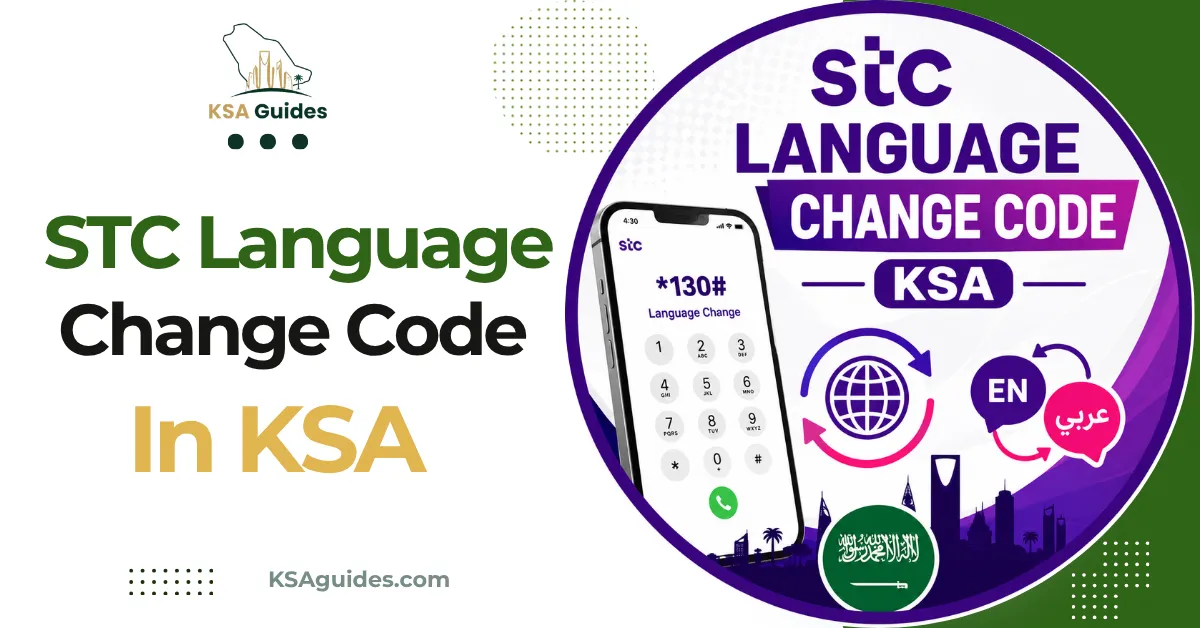
The STC language change code is 1390, sent by SMS to 900. It toggles your line between Arabic and English, so sending it again switches back. The same code works for both Sawa prepaid and STC postpaid lines, and needs no app or data connection.
Do This Next:
- Open your messages and text 1390 to 900
- Wait for the confirmation SMS
- If it still shows Arabic, switch it in the mySTC app instead
STC Language Change Code KSA: The SMS Method
Every new STC line defaults to Arabic. That includes SMS alerts, recharge confirmations, and most system messages. Those alerts include the balance replies covered in the STC data balance check guide and the confirmations described in the Sawa recharge code guide.
Sending 1390 to 900 flips that default to English. No app or data connection is needed.
This is a toggle, not a one-way switch. Send it once from Arabic and you get English. Send it again and you go back to Arabic. That matters if you are not sure which language your line is currently set to. Guessing wrong just flips it the other way, so check a recent SMS first if you can.
A few older guides mention a separate code for switching back to Arabic. We could not confirm a second code works consistently, so treat 1390 as the one to remember either direction.
Changing the Language in the mySTC App
The app is the more reliable route if the SMS method does not stick. It also suits anyone managing more than one line.
- Open the mySTC app and log in with your number
- Tap Settings
- Select Number Properties
- Tap your mobile number
- Tap Contact Language
- Choose English or Arabic
The change applies within a few minutes. New messages arrive in the language you selected.
If you manage a family member’s line or a second SIM, this is the cleanest way to set each one. There is no risk of mixing up which number you just texted.
Calling STC If Neither Method Works
Calling 900 works as a fallback when SMS and the app both fail to update.
We are deliberately not publishing a specific button sequence here. STC’s phone menu gets restructured periodically, and a fixed set of key presses tends to go stale within months.
Once connected, simply tell the representative you want your contact language switched to English. They can do it manually from their side.
Does This Work While Roaming Outside Saudi Arabia?
We could not confirm this, so we are not stating it as fact.
Short codes like 900 are generally built for STC’s domestic network. Whether an SMS to 900 completes correctly while roaming abroad depends on your specific roaming agreement. It can vary by country.
Travelling and need the language changed before you land? Use the mySTC app over Wi-Fi rather than the SMS code from an international connection.
What the Language Change Does and Does Not Affect?
This is worth stating plainly, since it is a common worry.
Changing your contact language only changes the language of incoming messages. Your balance, data allowance, and any active packages stay exactly the same.
It also does not affect your number or your Iqama (إقامة) registration on the line. No other mySTC app settings change either.
Pro Tip: If messages still arrive in Arabic a few minutes after sending 1390, restart your phone before trying again. A stuck SMS queue causes this more often than the code failing.
Frequently Asked Questions
What is the STC language change code?
The code is 1390, sent by SMS to 900. It works for both Sawa prepaid and STC postpaid lines.
How do I switch STC back to Arabic after changing to English?
Send 1390 to 900 again, since the code toggles rather than setting one fixed direction. The mySTC app also lets you pick the language directly under Contact Language.
Why are my STC messages still in Arabic after I sent the code?
A short delay or a stuck SMS queue is the most common cause. Restart your phone and check the mySTC app under Number Properties to confirm the current setting.
Final Thoughts
The 1390 code has stayed the same for years across STC’s network. That makes it worth memorising over any app menu path. If STC restructures its call menu or app layout, this SMS shortcut is the one most likely to survive.
Last verified: August 2026
Reviewed by: Roman Shah
Source: STC official website; STC customer-reported SMS and app behaviour, cross-verified across independent sources
Note: SMS codes and app menu paths are subject to change. If 1390 stops responding, confirm the current method through the mySTC app or by calling 900.