Iqama Expiry Check KSA: With and Without Absher
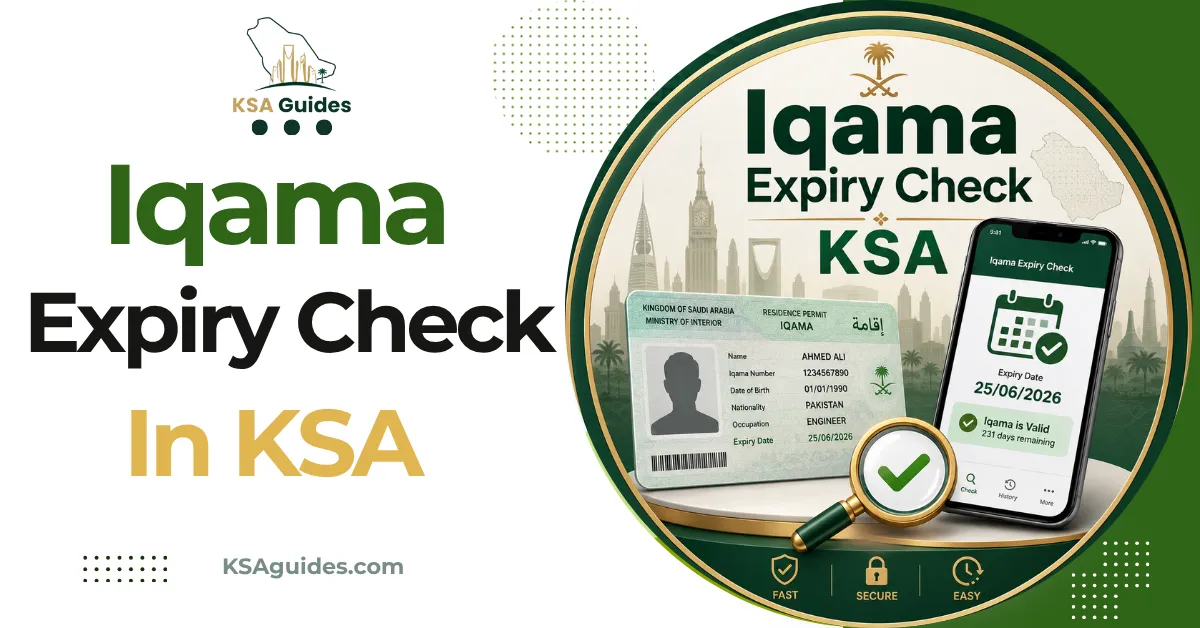
Check your Iqama expiry date in the Absher app under My Resident ID. Without an Absher account, use the MHRSD Non-Saudi Employee Inquiry service instead. Both display your expiry date in both the Hijri and Gregorian calendars, entirely free of charge.
Do This Next:
- Open Absher and tap My Resident ID
- No Absher? Use the MHRSD inquiry with your Iqama number
- Note the Gregorian date, not only the Hijri one
The Four Ways to Check Iqama in KSA, Compared
| Method | What You Need | Absher Login | Best For |
|---|---|---|---|
| Absher app or portal | Iqama number, registered Saudi mobile | Required | Residents with a working login |
| MHRSD Non-Saudi Employee Inquiry | Iqama number, date of birth | Not required | Anyone locked out of Absher |
| Muqeem | Passport number, nationality | Not required | New arrivals, checking from abroad |
| Qiwa | Nafath authentication | Not required | Work permit validity, not Iqama |
Source: Absher, MHRSD, Muqeem, and Qiwa official services | Verified: August 2026
Every method above is free. No government portal charges for an expiry check.
Method 1: Absher (Fastest If You Have a Login)
Absher is the Ministry of Interior’s digital services portal. It holds your personal residency record.
- Open the Absher app or go to absher.sa
- Log in and enter the verification code sent by SMS
- Tap your name beside the profile photo
- Select My Resident ID
- Read the issue date, version, and expiry date
Absher shows more than the date. Your dependents, traffic fines, exit and re-entry status, and registered SIM count all sit in the same account.
That SIM count catches people out regularly. The CST Argami SIM check guide explains how to read it properly.
Method 2: Iqama Expiry Check Without Absher
This is the route most people actually need. Plenty of residents have no working Absher login.
The Ministry of Human Resources and Social Development runs a public inquiry service. It is called Non-Saudi Employee Inquiry, and it needs no account.
- Open the e-services section of the MHRSD portal
- Accept the privacy acknowledgement to continue
- Switch the language using the menu at the top
- Enter your Iqama number and date of birth
- Choose the correct calendar for your date of birth
- Enter the captcha code and submit
The service returns your expiry date in both calendars. It also shows your employer name and work permit details.
One naming note. Many guides still call this the MOL service, and old mol.gov.sa links circulate widely.
The Ministry of Labour was renamed years ago and is now MHRSD. The MOL iqama check guide covers where each old link now points.
Method 3: Muqeem, Using Your Passport Number
Muqeem is the residency platform operated under the Ministry of Interior. It runs on passport number and nationality rather than Iqama number.
That makes it the right tool in two situations. Use it when your Iqama card has not arrived yet. It also works when someone checks on your behalf from abroad.
Enter the passport number exactly as printed, then select the matching nationality. A mismatch between the two is the most common cause of a failed lookup.
Method 4: Qiwa Shows Something Different
Here is a distinction most guides skip entirely, and it matters before a renewal.
Your work permit and your Iqama are separate records with separate expiry dates. They are often aligned, but they are not required to match.
Qiwa is the MHRSD labour platform, and Iqama holders can log in with Nafath. It shows your labour contract, work permit status, and employment history. The login app behind that step is covered in the Nafath app guide.
A valid Iqama with a lapsed work permit still blocks a renewal. Checking only the Iqama date can leave you confident and still stuck.
Why Your Card Shows a Different Date?
Your physical Iqama card prints the expiry date in the Hijri calendar. Most portals show both Hijri and Gregorian.
The two calendars do not line up. A Hijri year runs roughly eleven days shorter than a Gregorian year.
Reading the Hijri date and assuming it is Gregorian pushes your real deadline earlier than you think. Always work from the Gregorian date when planning a renewal or a trip.
Pro Tip: Start the renewal conversation 60 to 90 days before the Gregorian expiry date. Your sponsor needs time to clear fines, confirm insurance, and pay before the system will accept the renewal.
When the Result Looks Wrong
Four errors account for almost every failed check.
- “No record found.” Usually a typo, or a nationality that does not match the file. Re-enter both before assuming anything is wrong.
- Recently renewed but still shows expired. The labour side updates on a lag of roughly 24 to 48 hours. Wait a day and check again.
- Captcha keeps rejecting you. The code goes stale on screen. Refresh the page and retype it.
- No verification code arrives. Your mobile number may not be registered against your Iqama. Your employer’s HR team can confirm the date directly.
Avoid third-party sites offering instant Iqama lookups. They are not authorised, results are often stale, and you hand over personal data for nothing.
We also could not verify any official SMS shortcode for expiry checks. Codes circulate online, but none traces back to a government channel.
What an Expired Iqama Blocks?
An expired Iqama does not simply sit quietly on your file.
Banking services and mobile contracts are typically frozen while it stays expired. Absher access itself can be locked until the record is cleared. What the portal covers, and what to do when access fails, sits in the Absher portal guide.
Late renewal penalties are reported at SAR 500 for a first lapse and SAR 1,000 for a second. Full renewal rules and fee responsibilities are covered in the Iqama guide for foreign workers.
Frequently Asked Questions
How do I check my Iqama expiry without Absher?
Use the MHRSD Non-Saudi Employee Inquiry service with your Iqama number and date of birth. No account or registered mobile number is required.
Why does my Iqama still show as expired after renewal?
The labour system updates on a lag of roughly 24 to 48 hours after a renewal is processed. Check again the following day before contacting anyone.
Is the Iqama expiry date on my card Hijri or Gregorian?
The card prints the expiry date in the Hijri calendar. Online portals display both, so always confirm the Gregorian date before planning.
Does a valid Iqama mean my work permit is valid too?
Not necessarily. Work permits and Iqamas are separate records that can carry different expiry dates, so check Qiwa separately.
Final Thoughts
The single habit worth building is a monthly check on one date you actually trust, the Gregorian one. Most last-minute renewal panics trace back to reading a Hijri date on the card and assuming it was Gregorian.
If a check returns something unexpected, the problem usually sits on the labour side rather than the residency side. Start with your employer before assuming a portal error.
Last verified: August 2026
Reviewed by: Roman Shah
Source: Absher (Ministry of Interior); MHRSD Non-Saudi Employee Inquiry; Muqeem; Qiwa
Note: portal names, service locations, and penalty amounts are subject to change. Verify your status directly through Absher or the MHRSD portal before acting on any renewal or travel decision.