How to Check STC Data Balance in Saudi Arabia?
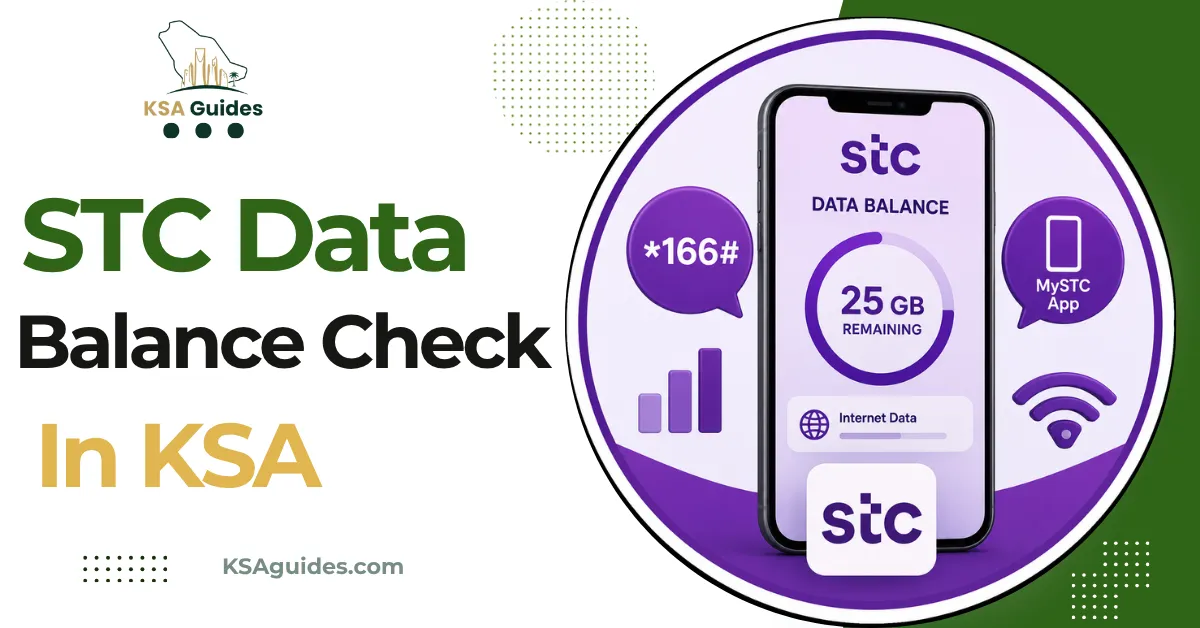
To check your STC data balance in Saudi Arabia, dial *8885# from your STC SIM and your remaining data appears on screen within seconds, free and with zero balance required. As a backup, send 2220 by SMS to 900, or open the MySTC app where your balance is shown on the home screen after login.
Do This Next:
- Open your phone dialler
- Dial *8885# and press the call button
- Your remaining data balance appears on screen within seconds
STC Data Balance Check Codes at a Glance
| Function | Code or Action | Notes |
|---|---|---|
| Check data balance (primary) | *8885# | Free, works with zero credit |
| Check data balance (SMS) | Send 2220 or Balance to 900 | Reply arrives within seconds |
| Check SAWA credit balance | *166# | This is your main credit, separate from data |
| Check active offers and packages | *888# | Opens a menu of current and available bundles |
| Recharge with a voucher | *155*[PIN]# | Enter the recharge card PIN after the code |
| Emergency data and credit | Reply 1 to the SMS from 808808 | SAR 5 advance, SAR 1 fee added at next recharge |
| Customer service (STC line) | 900 | Free, 24/7, Arabic and English |
| Customer service (other line) | 8001180088 | Toll free from any Saudi network |
Source: STC official USSD and SMS services | Verified: July 2026
Pro Tip: Bookmark datausage.stc.com.sa on your phone’s browser. It loads faster than the MySTC app on a slow connection and shows the exact same remaining data figure after you log in with your STC number.
Method 1: STC Data Balance Check By USSD Code *8885# (Fastest)
- Open your phone’s dialler app
- Type *8885#
- Press the call button
- Your remaining data balance appears on screen in MB or GB within seconds
This code works on prepaid and postpaid STC lines, on any phone model, and with zero credit on the account. Some guides write this code as *888*5#, which also works and dials the same service.
This code checks data only. For your SAWA credit balance, dial *166# instead. The two figures are tracked separately on STC accounts.
Method 2: SMS to 900
- Open your phone’s messaging app
- Create a new message
- Type 2220 in the body, or type the word Balance
- Send it to 900
- STC replies within seconds with your remaining data balance
This method is free and works without internet access, making it a reliable backup if *8885# does not respond on your network. If STC’s replies arrive in Arabic, the STC language change code guide explains how to switch the line to English.
Method 3: MySTC App
- Download the MySTC app from the Google Play Store (Android) or App Store (iOS)
- Open the app and log in with your STC number
- Enter the OTP sent to your number to complete login
- Your data balance, credit balance, and active packages all appear on the home dashboard
The app also shows your STC number, recharge history, and Qitaf loyalty points in the same place. It works over Wi-Fi or mobile data, which makes it the only method that functions correctly while travelling outside Saudi Arabia.
Method 4: STC Website
- Go to mystc.stc.com.sa in any browser, or datausage.stc.com.sa for data usage specifically
- Enter your STC mobile number, ID number, or username
- Complete login with the OTP sent to your number
- Your remaining data balance, active package, and expiry date are displayed
Note that this is different from the CST (formerly CITC) government regulator website. CST regulates Saudi telecom operators but does not host individual customer balance or usage data. The correct portal for checking your own STC balance online is mystc.stc.com.sa, not cst.gov.sa. The one personal lookup CST does provide is the Argami service, which shows how many SIM cards are registered on your Iqama across all operators.
Method 5: Call Customer Service
- Dial 900 from your STC SIM, free and available 24/7
- Select your preferred language: Arabic or English
- Ask the agent to confirm your remaining data balance
From other networks or landlines, call 8001180088 at no charge. Agents can also confirm your active package, expiry date, and recharge history.
STC Package Check Code: *888#
To see your currently active package along with any new bundles available for your line, dial *888# and press call. This opens a menu showing your current package name, its remaining validity, and a list of available offers you can subscribe to directly from the same screen.
This is a different code from *8885#. *888# shows packages and offers, while *8885# shows your raw remaining data figure in MB or GB. Use *888# when you want to renew or switch a package, and *8885# when you only want to know how much data is left on the one you already have.
You can also check and activate offers through the MySTC app under the Offers tab, or on the STC website under Offers and Promotions, filtered by prepaid or postpaid. If your line is Jawwy, STC’s app-only brand, USSD codes do not apply at all; the Jawwy balance check guide explains the app and website methods that replace them.
What to Do If You Run Out of Data Completely?
If your data balance reaches zero and you need to get back online before your next recharge, STC’s automated low balance service can help.
When your balance runs low, STC sends an SMS from 808808 offering an advance. Reply 1 to that message and STC adds SAR 5 of credit to your account immediately. A SAR 1 fee is deducted automatically at your next recharge to cover the advance. This credit can be used to buy a small data package or to cover calls until you can recharge properly. STC’s advance is formally called KMMEL; the STC advance balance guide covers eligibility and how repayment is deducted, and the Sawa recharge code guide covers every way to top up once you can.
This service is tied to your SAWA credit balance rather than data specifically, but the advance is enough to activate the smallest available data bundle through *888# or the MySTC app. Current Sawa bundle prices, from the 1 GB entry plan up to Sawa Hero, are listed in the STC monthly internet packages guide.
Checking STC Balance While Roaming or Travelling
USSD codes including *8885# and *166# only work while connected to an STC network inside Saudi Arabia. They do not function once you leave the country or while on a foreign network during Hajj or Umrah travel.
To check your STC balance from outside Saudi Arabia, use the MySTC app over any Wi-Fi connection or local data, since the app communicates over the internet rather than through your STC SIM signal. Logging in this way avoids international SMS or call charges that *8885# would otherwise incur if dialled on a foreign network.
Troubleshooting: When *8885# Does Not Work
| Problem | Fix |
|---|---|
| No response after dialling | Check you have STC signal bars, move to an open area, and retry |
| Code returns an error message | Switch your network mode from 5G to 4G manually in phone settings, then retry |
| SIM shows no signal | Remove and reinsert the SIM card, then restart the phone |
| Code still fails | Send 2220 by SMS to 900 instead, or check through the MySTC app |
A weak or unstable signal is the most common cause of a failed USSD response on STC. Switching temporarily to 4G resolves it in most cases on older devices.
Frequently Asked Questions
What is the STC data balance check code?
Dial *8885# from your STC SIM. It is free and shows your remaining data instantly, even with zero credit on the account.
How do I check STC internet balance by SMS?
Send 2220 or the word Balance to 900. STC replies with your remaining data within seconds.
What is the STC package check code?
Dial *888# to see your active package and a menu of available offers you can subscribe to directly.
Does *8885# work with zero balance?
Yes. The code is completely free and works with no credit on the account.
How do I check my STC balance, not just data?
Dial *166# for your separate SAWA credit balance. Data and credit are tracked independently on STC accounts.
Can I check my STC data balance online?
Yes. Log in at mystc.stc.com.sa or datausage.stc.com.sa using your STC number and an OTP.
Can I check STC balance while roaming abroad?
Yes, through the MySTC app over Wi-Fi or local data. USSD codes like *8885# do not work outside Saudi Arabia.
What if I run out of data with no balance to recharge?
Reply 1 to the SMS from 808808 for a SAR 5 advance, which carries a SAR 1 fee on your next recharge.
Last verified: July 2026
Reviewed by: Roman Shah
Source: STC official USSD and SMS services; MySTC app and website (mystc.stc.com.sa, datausage.stc.com.sa)
STC codes, fees, and services are subject to change. Contact STC on 900 or visit stc.com.sa to confirm current codes for your account type.