Friendi Number Check Code KSA: How to Find Your Friendi Number?
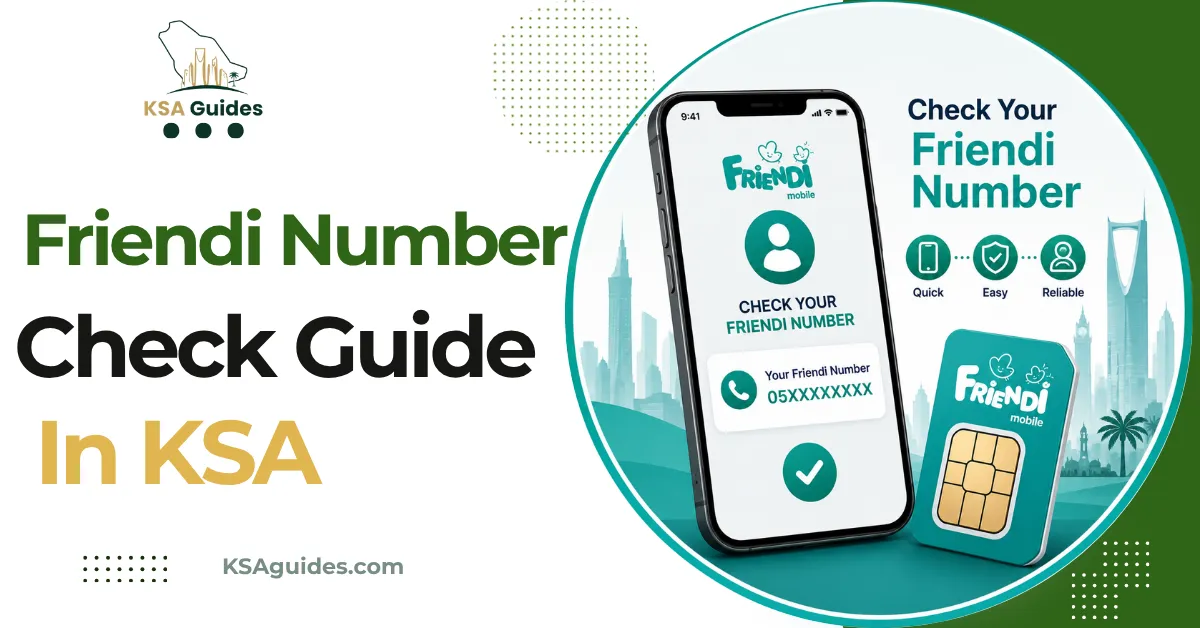
To check your Friendi number in Saudi Arabia, dial *110# from your Friendi SIM and your number appears on screen within seconds, free and with no internet needed. As a backup, check the Friendi app under your account profile, or look at the original SIM card packaging where the number is printed.
Do This Next:
- Open your phone dialler
- Dial *110# and press the call button
- Your Friendi number appears on screen within seconds
Friendi Number Check: All Methods at a Glance
| Method | How | Notes |
|---|---|---|
| USSD code (fastest) | Dial *110# | Free, works with zero balance |
| Friendi app | My Account or Profile tab | Requires login, works over Wi-Fi or data |
| SIM packaging | Check the card holder or box | Only works if you kept it |
| Purchase or activation email | Search your inbox for “Friendi” | Sent when the SIM was first activated |
| Customer support | Call 166000 | Have your ID ready for verification |
Source: Friendi official app and cross-verified network data | Verified: July 2026
Pro Tip: Save your number in your contacts as “My Friendi Number” the moment you find it. It is the detail you will be asked for most often, from topping up through a bank app to giving it to a delivery driver or a new contact.
Method 1: Friendi Number Check USSD Code *110# (Fastest)
- Open your phone’s dialler app
- Dial *110#
- Press the call button
- Your Friendi number appears on screen within seconds
This code is free, works on any phone, and does not require mobile data or an internet connection. It works with zero balance on the account. The same dialler-based approach covers credit and data too; the Friendi balance check guide lists those codes.
If you are on a dual-SIM phone, make sure you are dialling from the correct SIM slot. Dialling *110# from a different operator’s SIM will not return your Friendi number.
Method 2: Friendi App
- Download the Friendi app from the Google Play Store, Apple App Store, or Huawei AppGallery
- Open the app and log in
- Go to My Account or Profile
- Your registered Friendi number is displayed at the top of the screen
This method requires an internet connection, either mobile data or Wi-Fi, but works even if you are unsure which SIM slot is active, since the app is tied to your login rather than the physical SIM. The app also shows every available data bundle; for the USSD route and the full price list, see the Friendi internet package code guide.
Method 3: Check the SIM Packaging
Your Friendi number is printed on the original SIM card holder you received when the SIM was activated. If you kept the card or the small punch-out frame the SIM came in, your number is printed directly on it, usually near the barcode.
If you registered online or through a retailer, check your email inbox for the activation confirmation message from Friendi. It typically includes your new number.
Method 4: Phone Settings (Unreliable for Prepaid SIMs)
Some Android and iPhone settings menus display the SIM’s assigned number under Settings, then SIM or About Phone. For Friendi and other prepaid SIMs in Saudi Arabia, this field is frequently left blank, since prepaid MVNO lines are not always provisioned with the number pre-loaded onto the SIM profile the way postpaid lines are.
Check this method if the others are not available to you, but do not rely on it as your primary method. If the field is empty, use *110# instead.
Method 5: Call Customer Support
If none of the above methods work, for example if you have lost the SIM packaging and cannot access the app or the SIM itself, call Friendi support on 166000 and ask an agent to help verify your number.
Have your ID, such as your Iqama or national ID, ready, since the agent will need to confirm your identity before sharing account details.
What a Friendi Number Looks Like?
Friendi mobile numbers in Saudi Arabia typically begin with the prefix 057. If you see a number on your phone or in your contacts starting with 057, it is likely your Friendi line, which can help you tell it apart from other SIMs on a dual-SIM device.
Frequently Asked Questions
What is the Friendi number check code?
Dial *110# from your Friendi SIM. It is free and shows your number instantly, even with zero balance.
Can I check my Friendi number without the app?
Yes. Dial *110#, or check the original SIM packaging where the number is printed.
Does *110# work with zero balance?
Yes. The code is completely free and works with no credit on the account.
What if I lost my SIM packaging and cannot remember my number?
Call Friendi support on 166000 with your ID ready for verification.
Can I find my Friendi number in phone settings?
Sometimes, but this is unreliable for prepaid SIMs. Use *110# for a guaranteed result.
What does a Friendi number look like?
Friendi numbers typically start with the prefix 057.
Can I check someone else’s Friendi number?
Only with physical access to their SIM to dial *110#, or if they check it themselves and share it with you. To see every SIM registered under your own Iqama across all Saudi operators, use the CST Argami check.
Does *110# work on a dual-SIM phone?
Yes, but make sure you dial from the Friendi SIM slot specifically, not the other SIM.
Last verified: July 2026
Reviewed by: Roman Shah
Source: Friendi official app and website (friendi.sa); cross-verified network data
Friendi codes and support details are subject to change. Contact Friendi on 166000 or visit friendi.sa to confirm current details.