Friendi Balance Check KSA: How to Check Your Credit and Data?
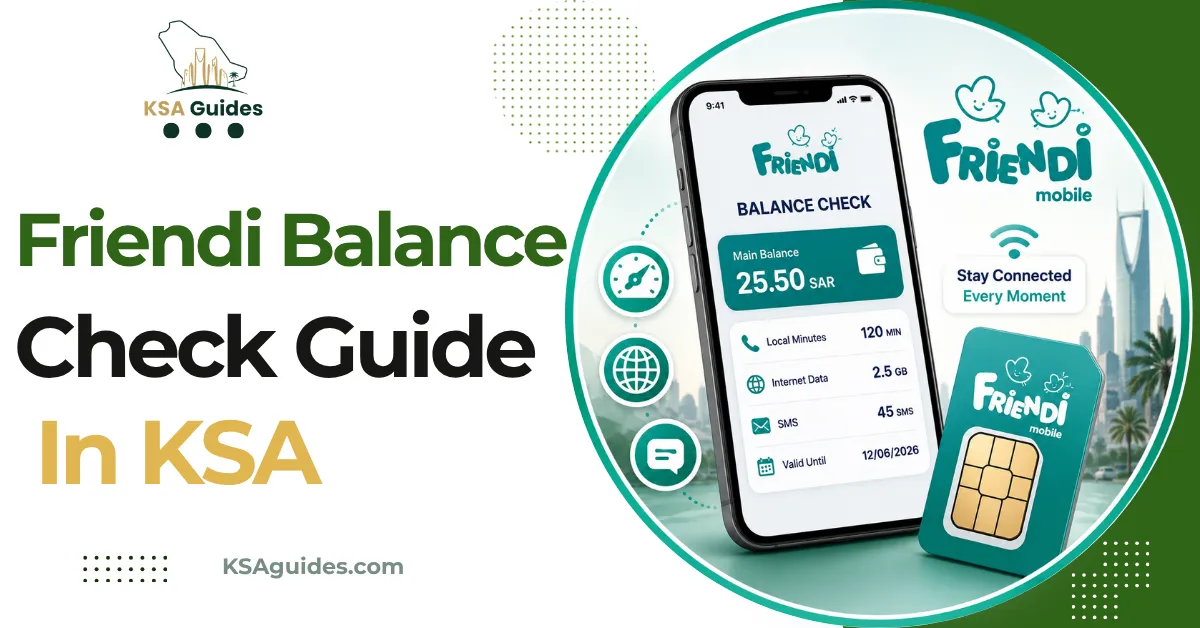
To check your Friendi balance in Saudi Arabia, dial *102# from your Friendi SIM and your remaining credit appears on screen within seconds, free and with no internet needed. For your remaining data, dial *108# and select option 2, or use the shortcut *210#. Friendi’s official support line is 166000, not the 1789 number listed on some other sites.
Do This Next:
- Open your phone dialler
- Dial *102# and press the call button
- Your Friendi credit balance appears on screen within seconds
Friendi Codes at a Glance
| Function | Code | Notes |
|---|---|---|
| Check main credit balance | *102# | Free, works with zero balance |
| Check data balance | *108#, select 2 | Or use the shortcut *210# |
| Check your Friendi number | *110# | Full guide with app and backup methods |
| Recharge with a voucher | *101*[PIN]# | Or dial 101 directly for a voice-guided recharge |
| Transfer credit to another Friendi number | *103# | Default PIN is 0000, fee is SAR 0.50 |
| International balance transfer | *114# | Enter number with country code |
| Send a “please call me” message | *104# | Free, recipient gets an SMS request |
| Request emergency credit | *107# | A small fee applies at your next recharge |
| Package and offers menu | *100# | Opens the full self-service menu |
| Customer support | 166000 | Available in Arabic and English |
Source: Friendi official app and cross-verified network data | Verified: July 2026
Pro Tip: Several sites list 1789 as Friendi’s support number. That number is not correct for Friendi. The verified support line is 166000, confirmed directly by Friendi’s own team in their official app store responses.
Method 1: Check Your Main Friendi Balance With *102#
- Open your phone’s dialler app
- Dial *102#
- Press the call button
- Your remaining credit appears on screen within seconds
This code works on any phone, on prepaid and postpaid Friendi lines, and with zero balance on the account. It does not require mobile data or an internet connection.
Method 2: Check Your Friendi Data Balance
Friendi tracks your credit balance and your data balance separately, so *102# will not show your remaining data. Use one of these two methods instead.
Through the menu:
- Dial *108# and press call
- When the menu appears, select option 2
- Your remaining data and package validity are displayed
Direct shortcut:
- Dial *210# and press call
- Your remaining data appears immediately, without a menu
Both methods are free and work without an internet connection.
Method 3: Friendi App
- Download the Friendi app from the Google Play Store, Apple App Store, or Huawei AppGallery
- Open the app and log in with your Friendi number
- Your credit balance, data balance, and active packages appear on the home screen
The app is available in Arabic and English, and also lets you recharge with a card, buy or manage packages, and control auto-renewal, all from the same screen. This is the most convenient method if you already have data access through Wi-Fi.
Method 4: Call Customer Support
Dial 166000 from your Friendi SIM to reach customer support and ask an agent to confirm your balance. This is Friendi’s verified support number, also reachable at 0571166000 from other networks.
Note that several other guides circulating online list 1789 as Friendi’s support number. That number is not associated with Friendi and appears to be a repeated error copied across multiple sites. Use 166000.
How to Check Your Friendi Number?
If you have forgotten your Friendi number, dial *110# and press call. Your number appears on screen within seconds. For every method, including the app, SIM packaging, and what to do if you cannot access either, see the Friendi number check code guide.
How to Recharge When Your Balance Is Low?
Follow this step by step process:
- Buy a Friendi recharge voucher from any supermarket, mobile shop, or authorised retailer, or purchase a digital voucher online
- Scratch the card to reveal the PIN
- Open your phone’s dialler
- Dial *101* followed by your voucher PIN, then #
- Press the call button
- Your balance updates within seconds and a confirmation message arrives
You can also dial 101 directly and follow the automated voice instructions to recharge without typing the voucher number manually. For card payments without a voucher, use the Friendi app instead.
For the complete list of Friendi internet packages, prices, and activation codes, see the Friendi internet package code guide.
Other Useful Friendi Codes
- Transfer credit to another Friendi number. Dial *103# and follow the prompts to enter the recipient’s number, the amount, and your PIN. The default PIN is 0000, and a transfer fee of SAR 0.50 applies. To change your PIN, dial *106#.
- Transfer credit internationally. Dial *114#, enter the recipient’s number with the country code, enter the amount, and confirm.
- Send a “please call me” message. If you are out of credit and need someone to call you back, dial *104# and enter their number. They receive a free SMS asking them to call you.
- Request emergency credit. If your balance reaches zero, dial *107# to request a small advance. A fee is added automatically at your next recharge.
Troubleshooting: When *102# Does Not Respond
| Problem | Fix |
|---|---|
| No response after dialling | Check you have signal bars and retry in an open area |
| Code returns an error | Turn on aeroplane mode for 10 seconds, then turn it off and retry |
| SIM shows no signal | Remove and reinsert the SIM, then restart the phone |
| Recharge code fails | Confirm the voucher PIN was entered with no missing digits or spaces |
| Still not working | Call Friendi support on 166000 |
About Friendi
Friendi is a prepaid mobile brand operated by Virgin Mobile Saudi Consortium, aimed primarily at expatriate workers in Saudi Arabia. Friendi runs as a mobile virtual network operator on the infrastructure of STC, meaning its coverage matches STC’s network across the Kingdom. In 2023, Friendi’s parent company was acquired by Beyond ONE, which continues to operate the brand today. Beyond ONE also runs Virgin Mobile in Saudi Arabia as a separate brand; its codes are in the Virgin Mobile balance check guide, with top-ups covered in the Virgin Mobile recharge code guide.
Frequently Asked Questions
What is the Friendi balance check code?
Dial *102# from your Friendi SIM. It is free and shows your remaining credit instantly, even with zero balance.
How do I check my Friendi data balance?
Dial *108# and select option 2, or use the shortcut *210#. Both show your remaining data for free.
Does *102# work with zero credit?
Yes. The code is completely free and works with no balance on the account.
What is Friendi’s real customer support number?
166000 is Friendi’s verified support line. The number 1789 listed on some other sites is incorrect for Friendi.
How do I check my Friendi number?
Dial *110# and press call. Your number appears on screen within seconds.
How do I recharge Friendi without the app?
Dial 101 followed by your voucher PIN, then #. You can also dial 101 directly for a voice-guided recharge.
What network does Friendi use?
Friendi operates as a prepaid service on the STC network, so coverage matches STC across Saudi Arabia.
Can I transfer Friendi credit to another number?
Yes. Dial *103# and follow the prompts. The default PIN is 0000 and a SAR 0.50 fee applies.
Last verified: July 2026
Reviewed by: Roman Shah
Source: Friendi official app and website (friendi.sa); cross-verified network data
Friendi codes and support numbers are subject to change. Contact Friendi on 166000 or visit friendi.sa to confirm current details.