Zain Balance Check Code KSA: How to Check Your Credit and Data Balance?
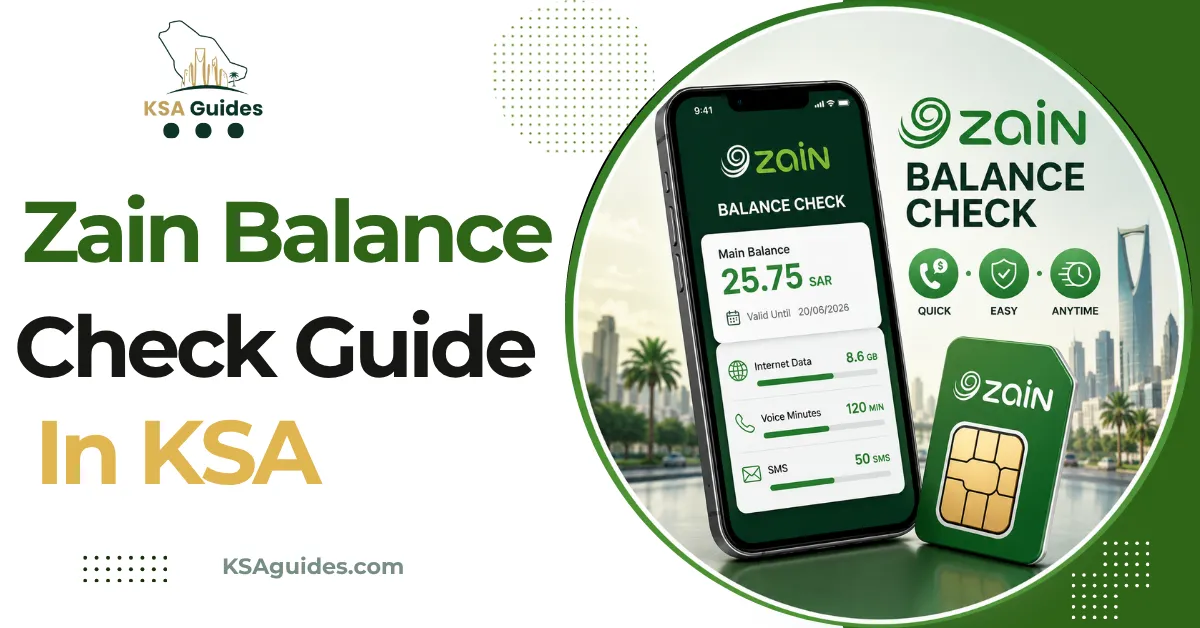
To check your Zain balance in Saudi Arabia, dial *142# from your Zain SIM and your credit appears on screen within seconds, free and with no internet needed. For data, dial *405#, or send BC to 959 to get your credit, data, and validity date together in one SMS.
Do This Next:
- Open your phone dialler
- Dial *142# and press the call button
- Your Zain credit balance appears on screen within seconds
Zain Balance Check Codes KSA at a Glance
| Function | Code or Action | Notes |
|---|---|---|
| Check credit balance | *142# | Free, works with zero balance |
| Check data or MB balance | *405# | Free, works with zero balance |
| Check credit, data, and validity together | Send BC to 959 | One SMS covers all three |
| Check your Zain number | *144# | See our full guide |
| Zain app | Log in for a live dashboard | Works over Wi-Fi or mobile data |
| Website | sa.zain.com | Log in with your Zain number |
| Customer service | 959 | Free from any Zain SIM, 24/7 |
Source: Zain official website and SMS services, cross-verified across current sources | Verified: July 2026
Pro Tip: If you want everything in one glance, credit, data, and how many days are left on your current plan, send BC to 959 rather than dialling two separate codes.
Method 1: Check Zain KSA Credit Balance With *142#
Follow this process:
- Open your phone’s dialler app
- Dial *142#
- Press the call button
- Your remaining credit balance appears on screen within seconds
This code is free, works on any phone, and returns a result with zero balance on the account. It does not require mobile data or an internet connection.
Method 2: Check Data or MB Balance With *405#
Zain tracks your credit and your data separately, so *142# will not show your remaining MB.
- Open your phone’s dialler app
- Dial *405#
- Press the call button
- Your remaining data balance appears on screen, usually shown in MB or GB
This is the direct answer to “what is the Zain MB check code” and “what is the Zain data check code”, both of which point to the same *405# shortcut. If the result shows you are nearly out of data, the Zain internet packages guide lists every current bundle with its activation code.
Method 3: SMS “BC” to 959 for the Full Picture
- Open your phone’s messaging app
- Create a new message with the text BC
- Send it to 959
- Zain replies within seconds with your remaining credit, your data balance, and your current plan’s validity date, all in one message
This is the most complete single check, since it answers the balance, data, and “how long is my plan valid” questions together without needing to dial two separate codes. The BC summary is covered in more depth in the Zain offer check guide, including how to read the active package details in the reply.
Method 4: Zain App
- Download the Zain KSA app from the Google Play Store or Apple App Store
- Log in with your Zain number and verify with the OTP sent to it
- Your dashboard shows your credit, data balance, and active plan in real time
The app is the only method that updates continuously rather than showing a one-time snapshot, and it also displays a full usage breakdown and low balance alerts if you enable them.
Method 5: Check Online at sa.zain.com
- Go to sa.zain.com in any browser
- Log in with your Zain number
- Your balance and data usage are displayed on your account dashboard
This method works on any device, including a computer, and does not require installing the app. Note that this account login is a different thing from the admin page built into a Zain home router; the Zain router login guide covers that device login.
Method 6: Call Customer Service
Dial 959 from your Zain SIM, free and available 24/7, and follow the voice prompts or ask an agent to confirm your balance. From other networks, you can also reach Zain support through the numbers listed on sa.zain.com.
Checking Your Zain SIM Balance While Roaming
USSD codes such as *142# and *405# only work while connected to a Zain network inside Saudi Arabia. If you are travelling abroad and your phone has picked up a foreign network, these codes may not return a result, or may be charged as an international USSD session depending on your roaming settings.
The most reliable way to check your Zain balance while roaming is through the Zain app over Wi-Fi or local data, since it connects over the internet rather than through your SIM’s home network signal.
Postpaid vs Prepaid: What You See Is Different
Prepaid Zain lines show a remaining credit figure and a data balance with an expiry date, since prepaid balances are tied to a validity period that resets with each recharge.
Postpaid Zain lines do not show a “remaining balance” in the same way, since usage is billed monthly. Postpaid customers instead see a running usage summary for the current billing cycle through the app or sa.zain.com, rather than a countdown figure.
Troubleshooting: When *142# or *405# Does Not Respond
| Problem | Fix |
|---|---|
| No response after dialling | Check you have Zain signal bars and retry in an open area |
| Code returns an error | Switch your network mode from 5G to 4G manually, then retry |
| SIM shows no signal | Remove and reinsert the SIM, then restart the phone |
| Balance not showing correctly | Your SIM may have expired or lost network registration; contact Zain on 959 |
| Still not working | Check the Zain app or sa.zain.com instead |
Frequently Asked Questions
What is the Zain balance check code?
Dial *142# from your Zain SIM. It is free and shows your remaining credit instantly, even with zero balance.
How do I check my Zain balance?
Dial *142# for credit, *405# for data, or send BC to 959 for both together with your plan’s validity date.
How do I check my Zain SIM balance without the app?
Yes. Dial *142# or *405#, or send BC to 959. All three work without installing anything.
What is the Zain MB check code?
Dial *405#. It shows your remaining data in MB or GB for free.
What is the Zain data check code?
Same code: *405#. This is the direct way to check remaining data on any Zain SIM.
Does *142# work with zero balance?
Yes. The code is completely free and works with no credit on the account.
Can I check my Zain balance while roaming?
Yes, most reliably through the Zain app over Wi-Fi or local data, since USSD codes may not work on a foreign network.
What is different about checking a postpaid Zain balance?
Postpaid lines show a monthly usage summary instead of a remaining credit figure, since postpaid accounts are billed per cycle rather than prepaid.
Last verified: July 2026
Reviewed by: Roman Shah
Source: Zain official website and SMS services (sa.zain.com); cross-verified network data
Zain codes and services are subject to change. Contact Zain on 959 or visit sa.zain.com to confirm current details.