Muqeem Visa Validity Check: How to Verify Your Visa
Muqeem is the Ministry of Interior residency platform, operated by ELM. Its public visa validity service checks exit and re-entry, final exit, and visit visas free. Enter an Iqama or visa number plus one matching detail, with no Absher login needed.
Do This Next:
- Open the Muqeem visa validity service
- Enter your Iqama number or visa number
- Add one matching detail to verify identity
What Muqeem Actually Is?
Muqeem (مقيم) means “resident” in Arabic. The platform is operated by ELM under the Ministry of Interior and the General Directorate of Passports.
Its main users are establishments. Employers use it to manage residency data for their staff and complete Jawazat procedures in bulk.
Sitting alongside that is a public visa validity service. This part is open to individuals and needs no account.
That public service is what most people mean when they search for a Muqeem check.
How to Check Visa Validity on Muqeem?
The check takes about two minutes and costs nothing.
- Open the Muqeem visa validity service at muqeem.sa
- Select your visa type, such as Exit Re-Entry
- Choose to search by Iqama number or visa number
- Enter that number
- Select one cross-verification detail from the dropdown
- Enter the matching value and submit
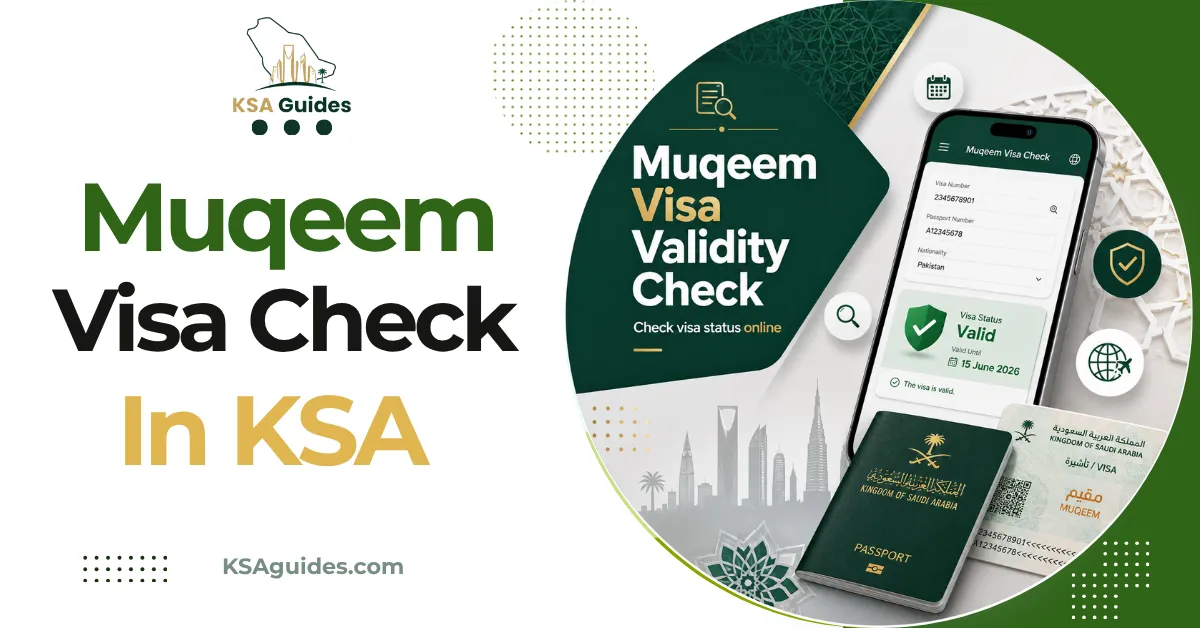
The result shows your visa type, issue date, expiry date, and current status. It also shows how many exits remain on a multiple visa.
Screenshot the result before you travel. Immigration officers accept it, and it saves reloading the portal on airport wifi.
The Cross-Verification Field Explained
This dropdown confuses more people than any other part of the form.
Muqeem needs two matching pieces of information, not one. The first is your Iqama or visa number, and the second is any single detail from this list.
| Cross-Verification Option | Notes |
|---|---|
| Passport number | Must match the passport on file, not a renewed one |
| Full name | Enter it exactly as registered |
| Date of birth | Watch the calendar setting |
| Iqama expiry date | Useful when you have no passport to hand |
| Visa expiry date | Only if you already know it |
Source: Muqeem public visa validity service | Verified: August 2026
Choose the detail you are most certain about. A recently renewed passport is the most common reason a correct Iqama number still returns nothing. If you are using a border number instead, the Saudi border number guide covers where to find it.
What Muqeem Cannot Show You?
This section exists because plenty of guides imply Muqeem does everything. It does not.
Muqeem does not return your Iqama expiry date. The service checks visas, not residency card validity, which is a different record entirely.
For that check, use Absher or the MHRSD inquiry instead. The Iqama expiry check guide compares every route.
Muqeem does not show absconding status. The public service is deliberately read-only and limited to visa validity for privacy reasons.
Huroob sits on a different portal with different inputs. That check is covered in the huroob status guide.
The 2026 Access Change
One recent development is worth knowing before you rely on this.
The quick validity check was historically fully open, with no sign-in at any point. Reporting from 2026 indicates access is tightening, and some users are now prompted to log in first.
If you meet a login prompt, that is current behaviour rather than a fault. The full establishment portal has always required an Absher-linked login.
Only ever use muqeem.sa itself. Copycat sites collect Iqama and passport numbers, and they return nothing you cannot get free from the official service.
Pro Tip: Check your remaining exit count, not just the expiry date. A multiple exit visa can be in date with zero exits left. That stops you at the airport just as effectively. The three separate numbers behind visa validity are set out in the Saudi visa validity check guide.
Printing Your Visa From Muqeem
Printing needs a registered account, unlike the basic check.
Registration asks for your ID type, Iqama number, date of birth, email, phone number, and address. There is a VAT registration field, which individuals answer as no.
Activate the account from the confirmation email, then log in. Select your visa type and search by Iqama number to reach the printable version.
Most travellers never need this. A dated screenshot of the validity result is normally sufficient.
Frequently Asked Questions
Can I check Muqeem visa validity without Absher?
Yes, the public visa validity service needs no Absher account. Reporting from 2026 indicates some users are now prompted to sign in, so behaviour may vary.
Can I check my Iqama expiry on Muqeem?
No, Muqeem checks visa validity rather than Iqama expiry. Use Absher or the MHRSD non-Saudi employee inquiry for your Iqama date.
Why does Muqeem say no record found?
Your cross-verification detail most likely does not match the file. A renewed passport number is the most common cause, so try your date of birth instead. Keeping that detail current is covered in the update passport in Absher guide.
Is the Muqeem visa validity check free?
Yes, the public check is completely free. No government portal charges for a visa validity or Iqama status lookup.
Final Thoughts
Muqeem is best understood as the visa side of your file, with Absher covering the residency side. Knowing which platform holds which record saves the most time on this topic.
Before any trip, one Muqeem check answers three questions at once. Your visa is in date, its status is active, and you still have an exit remaining.
Last verified: August 2026
Reviewed by: Roman Shah
Source: Muqeem public visa validity service (Ministry of Interior, operated by ELM); General Directorate of Passports (Jawazat); Absher
Note: portal access rules, service locations, and available inputs are subject to change. Verify your visa status directly on muqeem.sa or through Absher before booking or travelling.