Lebara Balance Check KSA: How to Check Your Credit and Data?
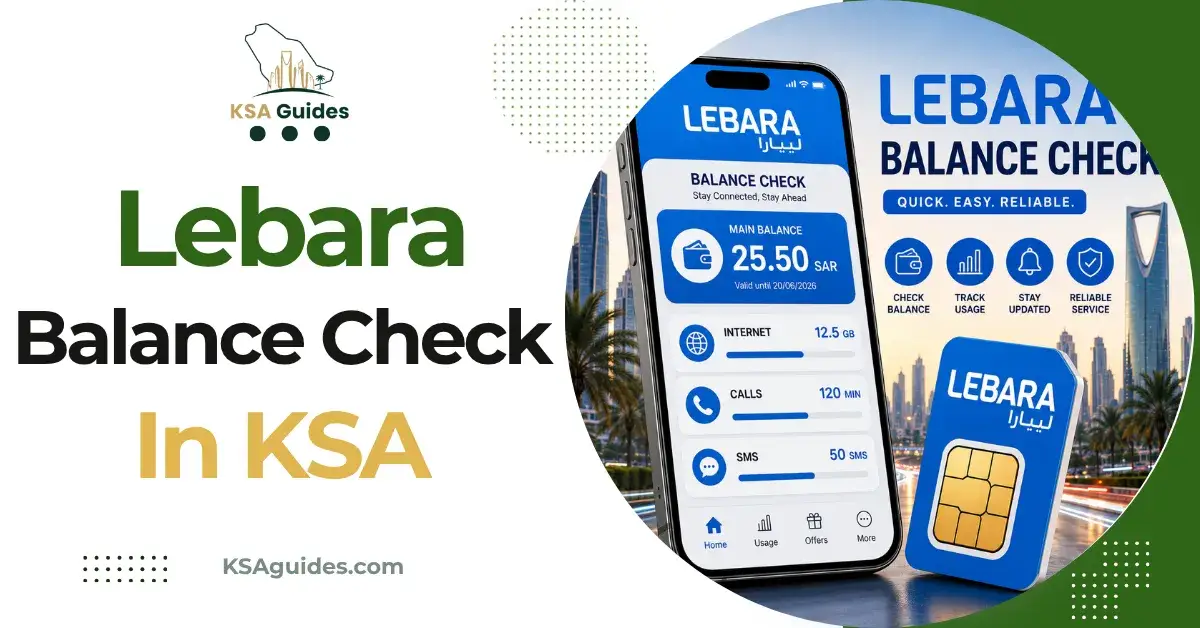
To check your Lebara balance in Saudi Arabia, dial *110# from your Lebara SIM and your remaining credit appears on screen within seconds, free and with no internet needed. For your internet data, dial *164#, or call 1755 and press 1 to hear both by voice.
Do This Next:
- Open your phone dialler
- Dial *110# and press the call button
- Your Lebara balance appears on screen within seconds
Lebara Balance Check Codes at a Glance
| Function | Code or Action | Notes |
|---|---|---|
| Check credit balance | *110# | Free, works with zero balance |
| Check internet data balance | *164# | Free, works with zero balance |
| Hear your balance by phone | Call 1755, press 1 | Free from any Lebara SIM |
| Transfer credit to another Lebara number | *111*2* followed by the recipient’s number and amount, then # | Example: *111*2*0531234567*20# sends 20 SAR |
| Recharge your balance | *111* followed by your voucher number, then # | See our package and recharge guide |
| App and website | MyLebara app, or lebara.sa/mylebara | Shows balance, data, and history together |
| Customer service | 1755 | Free from any Lebara SIM |
Source: Cross-verified across multiple current sources | Verified: July 2026
Pro Tip: If *110# does not respond right after a recharge, wait about a minute before retrying. The credit sometimes takes a short moment to post, and redialling immediately will not speed it up.
Method 1: Check Your Lebara Balance With *110#
- Open your phone’s dialler app
- Dial *110#
- Press the call button
- Your remaining credit balance appears on screen within seconds
This code is free, works on any phone, and returns a result with zero balance on the account. It does not require mobile data or an internet connection.
Method 2: Check Your Internet Data Balance
Lebara tracks your credit and your data separately, so *110# will not show your remaining data.
- Dial *164#
- Press the call button
- Your remaining data balance and bundle details appear on screen
This is the direct answer to how to check Lebara internet balance in Saudi Arabia specifically, separate from your main SIM credit.
Method 3: Call 1755 for a Voice Update
- Dial 1755 from your Lebara SIM
- Press 1
- Listen to the automated voice message covering your credit, data, and any active minutes
This method works without reading a screen, which some users prefer, and is free from any Lebara line in Saudi Arabia.
Method 4: MyLebara App or Website
- Download the MyLebara app from the Google Play Store or Apple App Store, or go to lebara.sa/mylebara in any browser
- Log in with your Lebara number
- Your balance, data usage, and recharge history all appear together on the same screen
This is the most complete single view, since it combines everything the individual USSD codes show separately.
Note that *000# is Lebara’s number check code, not a balance code. If you are trying to find your own Lebara number rather than your balance, see the Lebara number check code guide.
Transferring Credit to Another Lebara Number
If you have spare balance and want to share it with someone else on Lebara:
- Dial *111*2* followed by the recipient’s Lebara number, then the amount, then #
- Press call
- The transfer completes immediately
For example, sending 20 SAR to the number 0531234567 means dialling *111*2*0531234567*20#. You can also transfer credit through the MyLebara app without needing to remember the exact code format.
About Lebara in Saudi Arabia
Lebara operates in Saudi Arabia as a mobile virtual network operator running on the Mobily network, which is why Lebara’s coverage generally matches Mobily’s footprint across the Kingdom. Mobily’s own lines use a different code set, listed in the Mobily balance check guide. Lebara is also a global brand operating separately in other countries, including the United Kingdom and the Netherlands, each with its own local codes and app. The codes on this page apply specifically to Lebara SIM cards registered in Saudi Arabia.
To keep a Lebara number active, use it for a call, use data, or recharge it periodically. Saudi operators generally suspend and eventually deactivate prepaid lines after an extended period with no activity, so an occasional balance check or small top-up is worth doing even if you are not using the line heavily.
Troubleshooting: When *110# or *164# Does Not Respond
| Problem | Fix |
|---|---|
| No response after dialling | Check you have signal and retry in an open area |
| Code returns an error | Restart your phone, then retry the code |
| Balance seems outdated | Wait a minute after a recharge or transfer before checking again |
| Still not working | Call 1755, or check the MyLebara app instead |
Frequently Asked Questions
What is the Lebara balance check code?
Dial *110# from your Lebara SIM. It is free and shows your remaining credit instantly, even with zero balance.
How do I check my Lebara balance?
Dial *110# for credit, *164# for data, or call 1755 and press 1 to hear both by voice.
How do I check Lebara internet balance?
Dial *164#. It shows your remaining data separately from your main credit balance.
Can I check my Lebara SIM balance without the app?
Yes. Dial *110# or *164#, or call 1755. All three work without installing anything.
Does *110# work with zero balance?
Yes. The code is completely free and works with no credit on the account.
How do I transfer Lebara credit to another number?
Dial 1112* followed by the recipient’s number and amount, then #. For example, 1112053123456720# sends 20 SAR.
What network does Lebara use in Saudi Arabia?
Lebara operates as an MVNO on the Mobily network, so coverage matches Mobily across the Kingdom.
Are Lebara codes the same in other countries?
No. Lebara operates separately in the UK, the Netherlands, and other markets, each with its own codes. This guide covers Saudi Arabia only.
Last verified: July 2026
Reviewed by: Roman Shah
Source: Lebara official website; cross-verified across multiple current Lebara Saudi Arabia sources
Lebara codes and services are subject to change. Contact Lebara on 1755 or check the MyLebara app to confirm current details.